



Export Perplexity chats to PDF
Turn any Perplexity conversation into a clean, shareable PDF in one click — code, tables, math and images preserved, with 8 built-in themes. Free and unlimited.
- Free & unlimited
- No account needed
- Local-first & offline
Need Word, Markdown or other formats too? Perplexity exporter →
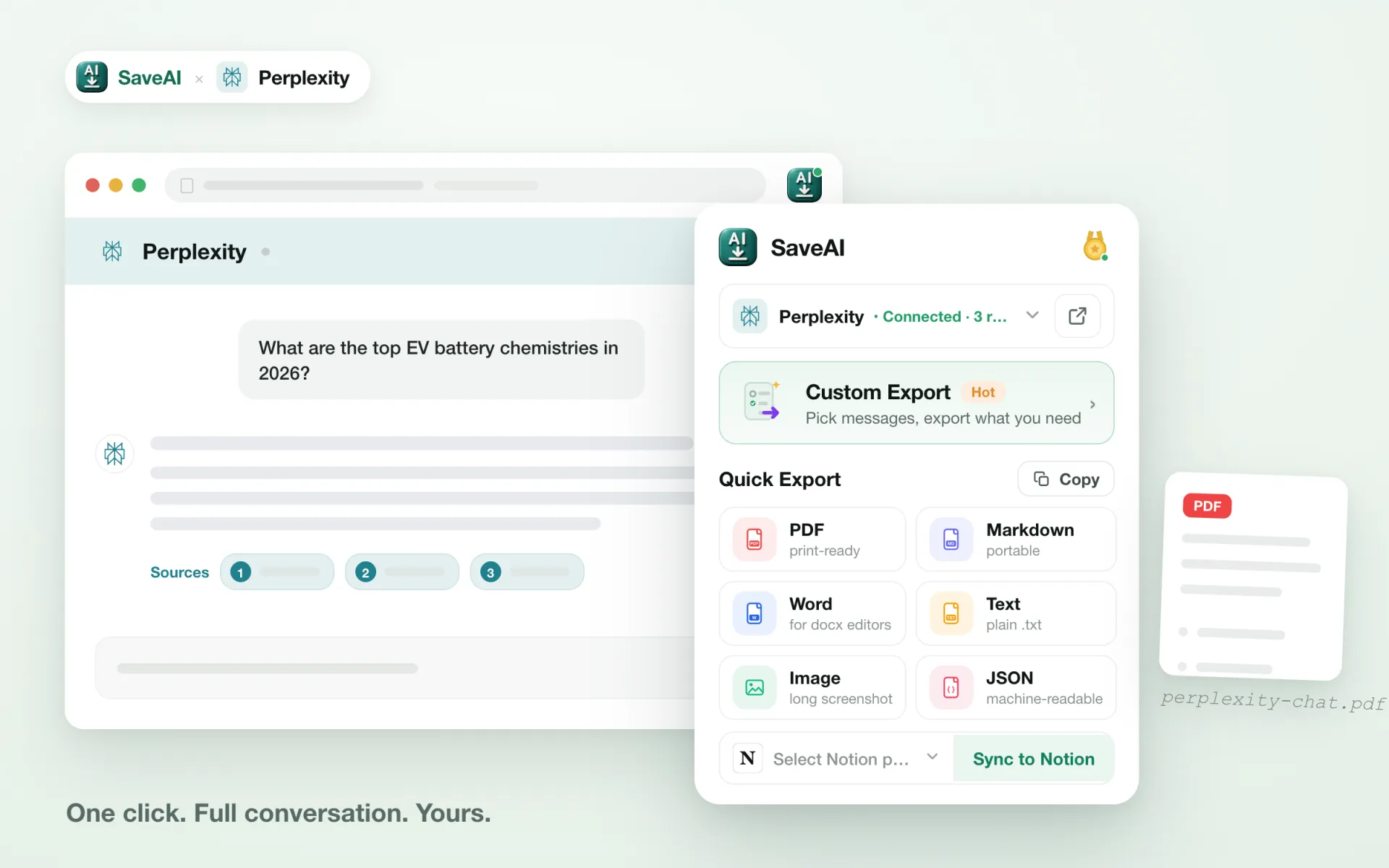
Why export Perplexity to PDF with SaveAI
Everything you need to turn a Perplexity thread into a document worth keeping.
Faithful to the original
Code blocks, LaTeX math, tables and images render in the PDF exactly as they appear in Perplexity.
8 polished PDF themes
Switch between highlight, dark, sakura and more, so every Perplexity PDF looks the way you want.
Nothing gets cut off
Even thousand-turn Perplexity chats export in full — no truncation, no missing messages.
Export only what matters
Pick individual messages, or just the questions or just the answers, before you save.
Free, with no watermark
Unlimited PDF exports, no account required, and never a watermark on your files.
One click, no setup
Install, open your Perplexity chat, and export — no API key, no configuration.
What Perplexity content does to a PDF
Every AI writes a different kind of answer, and each kind breaks a PDF in its own way. These are the parts of Perplexity output the renderer is built to handle.
Citations stay clickable
The numbered references resolve to their sources and remain live links in the PDF, so an archived answer can still be checked against what it cited.
Answer images included
Images that were part of the answer are embedded into the file, so a research answer keeps the figures it was arguing from.
Margins, page numbers, watermark
For a report you will hand to someone, page numbers, margins and an optional watermark are set before you export, not patched in afterwards.
How to save a Perplexity chat as PDF
Install SaveAI
Add the free extension from the Chrome Web Store and pin it to your toolbar. No account or API key needed.
Open your Perplexity conversation
Go to Perplexity, open the chat you want to keep, and refresh the tab once after installing.
Export as PDF
Click the SaveAI icon or the in-page button, choose PDF, pick a theme, and the file downloads right away.
Choose a PDF style that fits
Eight built-in themes — from clean light to dark and sakura — plus page numbers, timestamps and margins you control.

What people export Perplexity chats for
Study notes
Students turn Perplexity explanations into clean PDFs for revision and offline reading.
Research records
Researchers archive Perplexity threads with timestamps and sources for citation and reference.
Writing & content
Writers keep Perplexity drafts and ideas as tidy documents to reuse and share.
Developer reference
Developers save Perplexity code answers as searchable, well-formatted PDFs.
A PDF that looks like the original
Every Perplexity PDF keeps code blocks with syntax highlighting, LaTeX math, tables and inline images — with no broken layout. Prefer Word, Markdown, JSON, TXT or a long screenshot instead? Those are one click away too.
Perplexity to PDF — common questions
Is exporting Perplexity to PDF free?
Will the PDF keep Perplexity's formatting?
Can I export only part of a Perplexity chat to PDF?
Where does the PDF conversion happen?
Which Perplexity content is supported?
Save your Perplexity chats as PDF
Free, unlimited, one click — turn any Perplexity conversation into a polished PDF you can share and keep.