



What to Do After Exporting ChatGPT: From Chat History to a Personal Knowledge Base
After months of using ChatGPT, your best research, decisions, debugging notes and drafts may be scattered across dozens of conversations. The hard part is not asking the question again. It is finding the answer you already worked out.
An export is only the first step. The real goal is an archive you can search, reuse and carry to another tool without giving up control of private material.

1. Your sidebar is not a backup
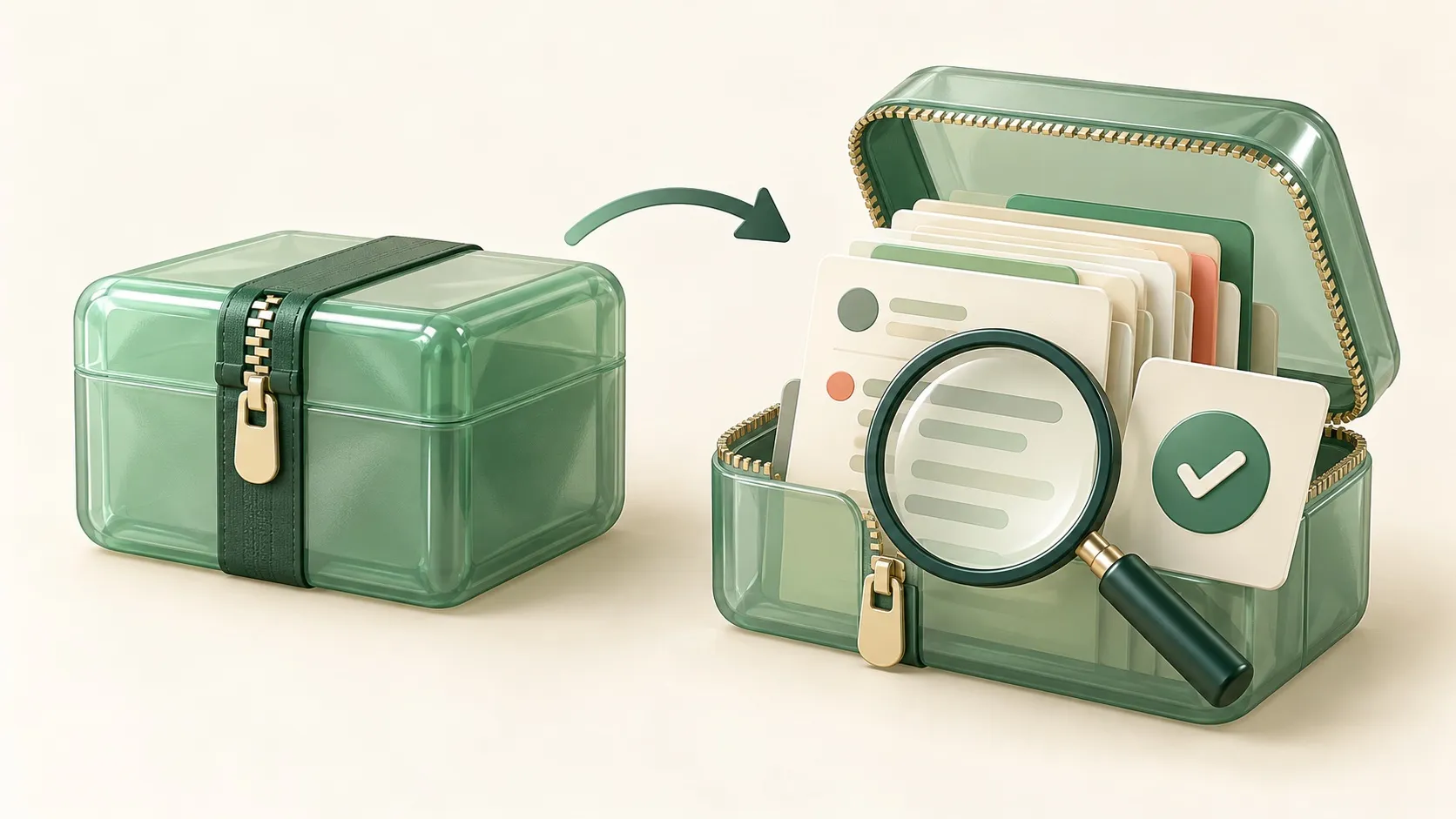
The sidebar is designed for continuing a conversation, not maintaining a durable archive. Auto-generated titles and a growing list make old work hard to recover. Keep an independent copy of important conversations. Separate a full export, which preserves the original context, from a curated collection, which makes the useful parts easy to find.
2. Get the full copy first; curate second
Eligible accounts can request an export under Settings → Data controls → Export data, or through the Privacy Portal. Download and inspect the ZIP promptly. OpenAI says delivery can take up to seven days and the download link expires 24 hours after arrival; an export cannot restore already deleted chats. Self-service availability varies by workspace, so consult an administrator for managed accounts. Check the official instructions for current details.
Keep the original ZIP unchanged. Inspect several important conversations locally before transforming anything. A readable HTML file may help with manual review; structured data, when included, is better for indexing and conversion. Let the actual export contents, not an assumed filename, guide your workflow.
3. Choose PDF, Markdown or JSON by future use
Choose PDF for a stable, shareable record; Markdown for editable, searchable notes; JSON for programmatic analysis and indexing; and Word when collaborators need comments and layout changes. The useful pairing is an untouched original archive plus curated Markdown or PDF. An AI summary alone is not a substitute for the full conversation.

4. Six worthwhile things to do with an export
Build a searchable archive
Organize by platform, project and date. Replace vague titles with descriptive filenames such as 2026-10-09_chatgpt_interview-plan.md. Add a short note on the question, conclusion and next action.
Turn long threads into project briefs
Extract the background, goal, decisions, constraints and open questions from multi-session work. Keep a link back to the original conversation so the brief remains verifiable.
Collect prompt templates
Study conversations that produced genuinely useful results. Save the repeatable structure—context, goal, output format and success criteria—without copying private names or outdated instructions.
Prepare a migration pack
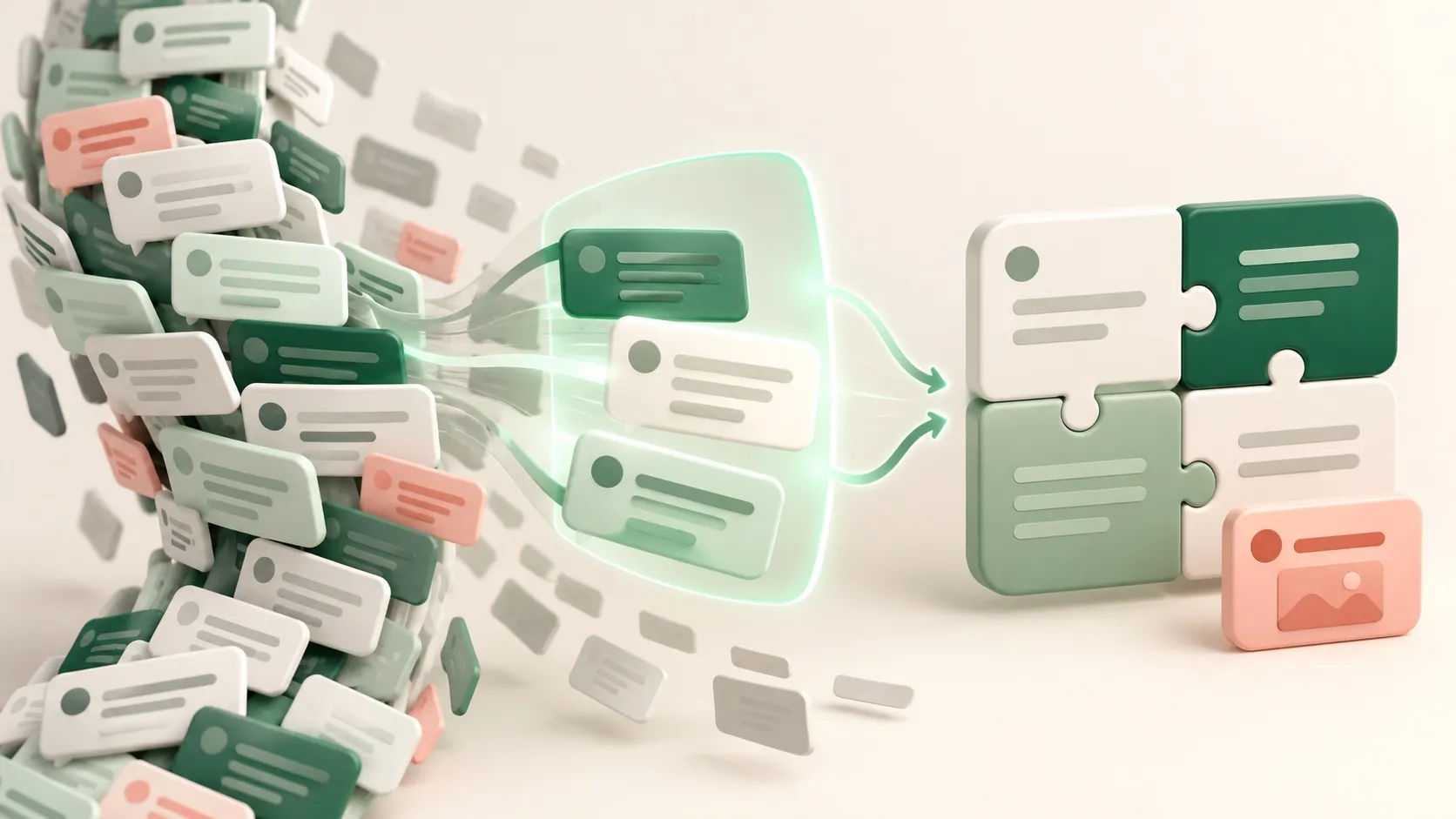
An export generally does not recreate your old sidebar, memories, projects or settings in a new account. Carry the original archive, a one-page brief for each active project, useful templates and a few essential source conversations.
Review your AI habits
Look for repeated questions, frequently revised answers and outputs you actually used. Repetition can become an FAQ or workflow; recurring corrections show where better context is needed.
Set a sustainable backup cadence
Save valuable individual threads after a work session, review the curated folder weekly, and request a full export monthly or before changing accounts or workspaces. Occasionally open the backup to verify that it is usable.
5. Evaluate third-party export tools carefully
Extensions and online converters can make single-thread PDF, Word or Markdown exports convenient, but may read page content or transfer it to a server. Check permissions, data handling and the developer before using them with client material, credentials or other sensitive information. Prefer local processing when possible.
6. Let AI organize, but keep the source
AI can propose titles, tags, summaries and project timelines. Review those outputs: a summary may omit a condition or turn an undecided idea into a decision. Link every important summary to its original conversation.
A useful knowledge base has three layers: original archive for completeness, curated notes for retrieval, and briefs and templates for action. Save the source, select what matters, then reuse it with purpose.

Source check: OpenAI's data export guide. Product interfaces and eligibility can change.
Pronto para começar a exportar?
O SaveAI funciona em 20 sites de IA, incluindo ChatGPT, Claude, Gemini. Gratuito para começar, local-first.
Instalar no Chrome Grátis Instalar no Edge Grátis Instalar no Firefox Grátis