



Export AI Chats to PDF Without Broken Layouts
Exporting an AI conversation looks like it should be trivial: the text is right there on screen. Then you open the PDF and find code running off the right edge, a page that is two-thirds empty in front of every image, and a formula printed as a row of backslash commands.
None of that is bad luck. Each one is a specific, reproducible failure of turning a chat into paginated pages, and each has a specific fix. Here is what actually goes wrong, and what a renderer has to do about it.
Pagination: the failures you only see after printing
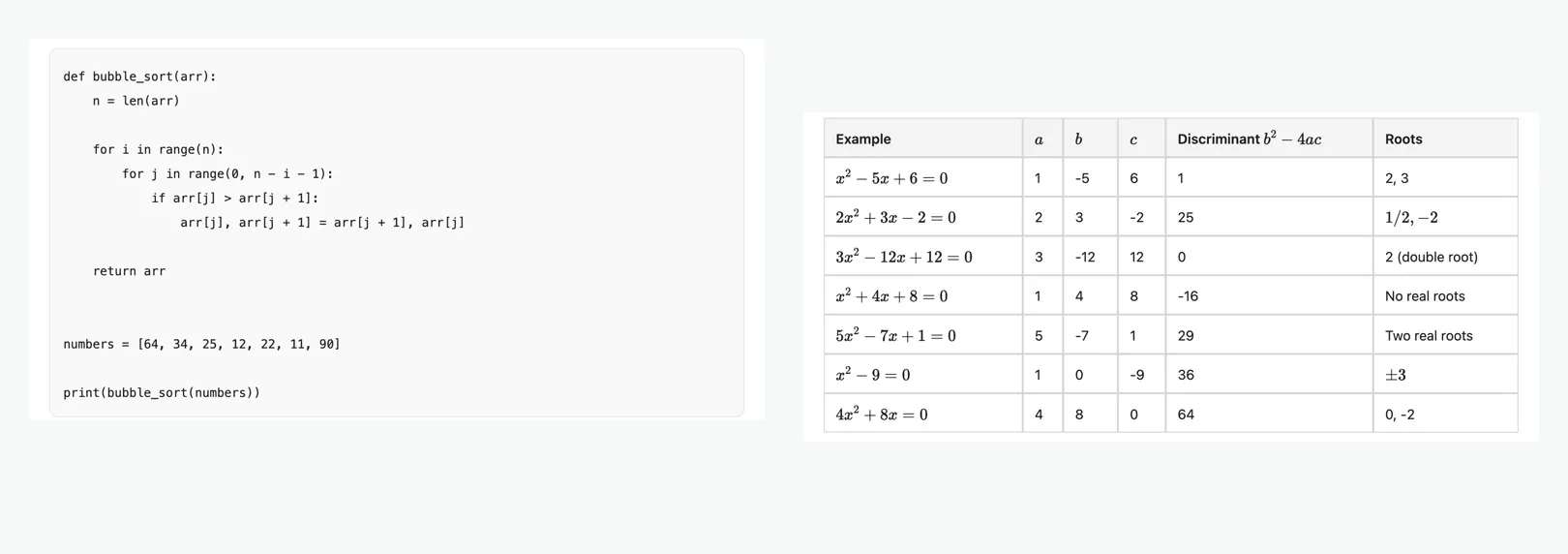
The single most common mistake is telling every block to stay whole. It sounds careful — nobody wants a table split in half — but a block taller than a page then has nowhere to go, so the renderer pushes it to the next page and leaves the current one blank. Long code blocks, long quotes and tall images all trigger it. The rule that actually works is the opposite: anything that can exceed one page must be allowed to break, and only genuinely small things (a heading and the line under it, a figure and its caption) get held together.
Code is the second one. In a browser a code block scrolls sideways; on paper there is no sideways. If the lines are not wrapped before rendering, everything past the right margin is simply gone — and you will not notice until you print it. Wide tables have the same problem, plus a second one: a comparison table longer than a page has to continue on the next page rather than be cut at the margin.
Images need a ceiling. A tall portrait image and the heading above it can fuse into a single unbreakable block that fits nowhere, and again the page before goes blank. Capping an image at roughly two-thirds of the page height keeps it placeable. SaveAI's PDF export applies all of these; if you want to see it on your own conversation, the platform pages walk through it — ChatGPT to PDF, Claude to PDF, Gemini to PDF.
Fonts, CJK glyphs and maths
If you write Chinese, Japanese or Korean, there is a failure most exporters never notice: the same Han character is drawn differently in each language. Ask for a generic sans-serif and the renderer picks whichever CJK font it happens to have, so a Chinese conversation can come out shaped in Japanese forms. It is legible, it is subtly wrong, and it is invisible to anyone who does not read the language. The fix is to detect the document's language and name that region's font family explicitly, ahead of any generic family.
Then there is tofu — the □ boxes. They come from characters that survived being displayed in a browser but cannot survive being encoded on the way into a PDF: unpaired surrogates, replacement characters that were already broken upstream, and Unicode noncharacters. They have to be stripped at the point of rendering, not hidden with a fallback font, and the user should be told how many were removed rather than having their text silently edited.
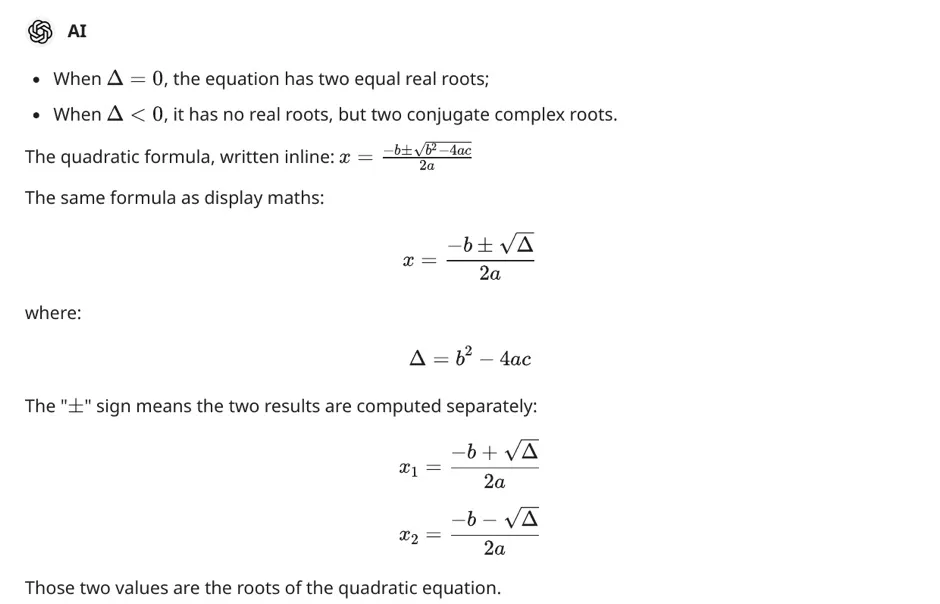
Maths has two separate paths. Formulas written between dollar signs are typeset properly — and the maths fonts are embedded only when a formula is actually present, so a chat without maths does not carry roughly 400 KB it never uses. But models also emit bare LaTeX environments — \begin{equation} … \end{equation} with no delimiters at all — and unless those are recognised too, they print as raw commands in the middle of your document.
What ends up in the file
Layout is only half of it. The other half is whether the export contains the conversation you actually had. Edited and regenerated messages leave branches behind in the underlying data, and a tool that reads the raw list will interleave abandoned drafts with the thread you were reading. The conversation on your screen is one specific branch, and an export has to follow that same branch.
Length is the next trap. Long conversations do not arrive in one response — history comes back one page at a time, sometimes newest-first — so an export that stops at the first page silently loses most of the chat. Images have their own version of this: a remote image URL that the reader cannot load is a broken-image box, so images must be embedded into the file, and anything that genuinely cannot be fetched is better dropped than left as a dead link.
Finally, reasoning. Extended thinking can be several times longer than the answer. That is worth keeping when you are reviewing how a conclusion was reached and pure noise when you are handing the document to someone else, so it should be a switch you flip before exporting — not a decision made for you.
What leaves your device, and what does not
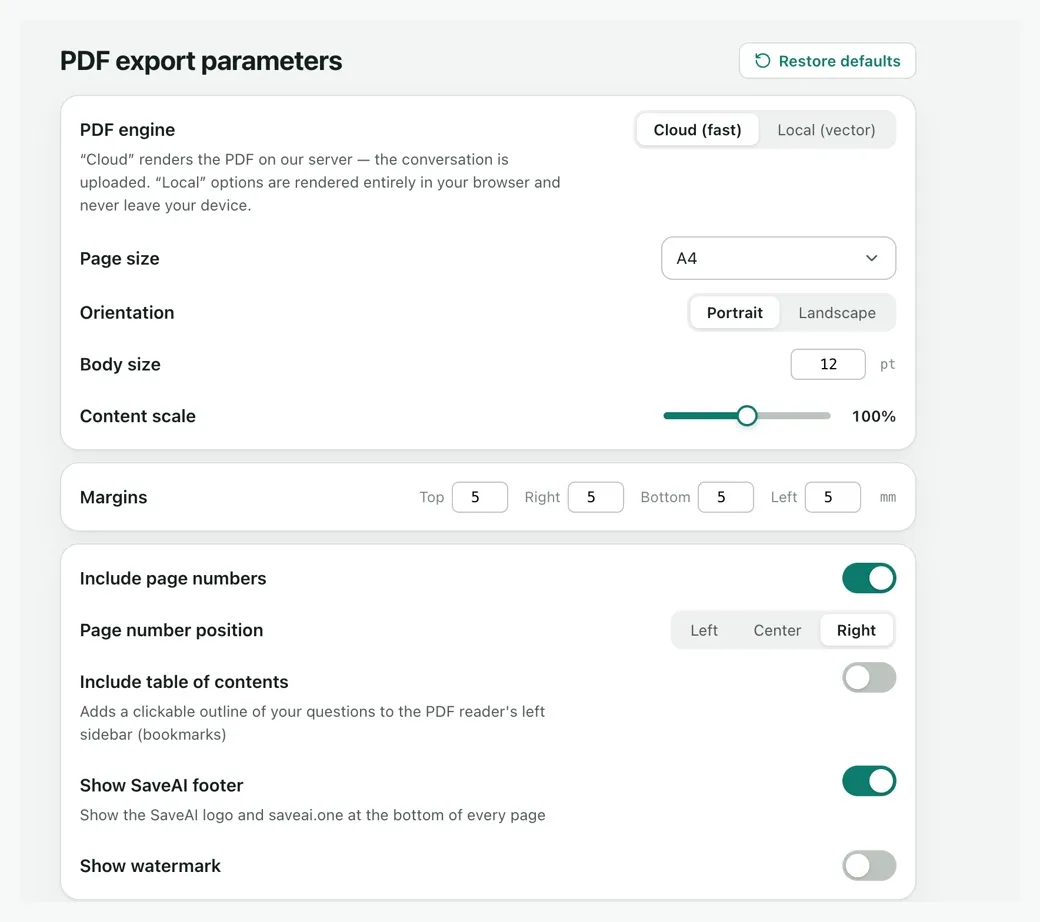
Format decides this, not a setting buried somewhere. Word, Markdown, JSON, TXT and the long-screenshot export are produced entirely inside your browser — the conversation is never sent anywhere, because nothing about those formats needs a server.
PDF is the exception, and only by default: it renders on our server because that is markedly faster than doing it in the tab, and the result lands at an unguessable URL that is deleted after about a week. If you would rather it never left, switch the PDF engine to local rendering in the extension's settings; the output is the same document, produced in the tab instead.
Beyond that: nothing is used to train models, nothing is sold, and the one usage ping we send after an export can be turned off in the settings. The full detail is in the privacy policy — worth two minutes if you are about to archive work conversations.
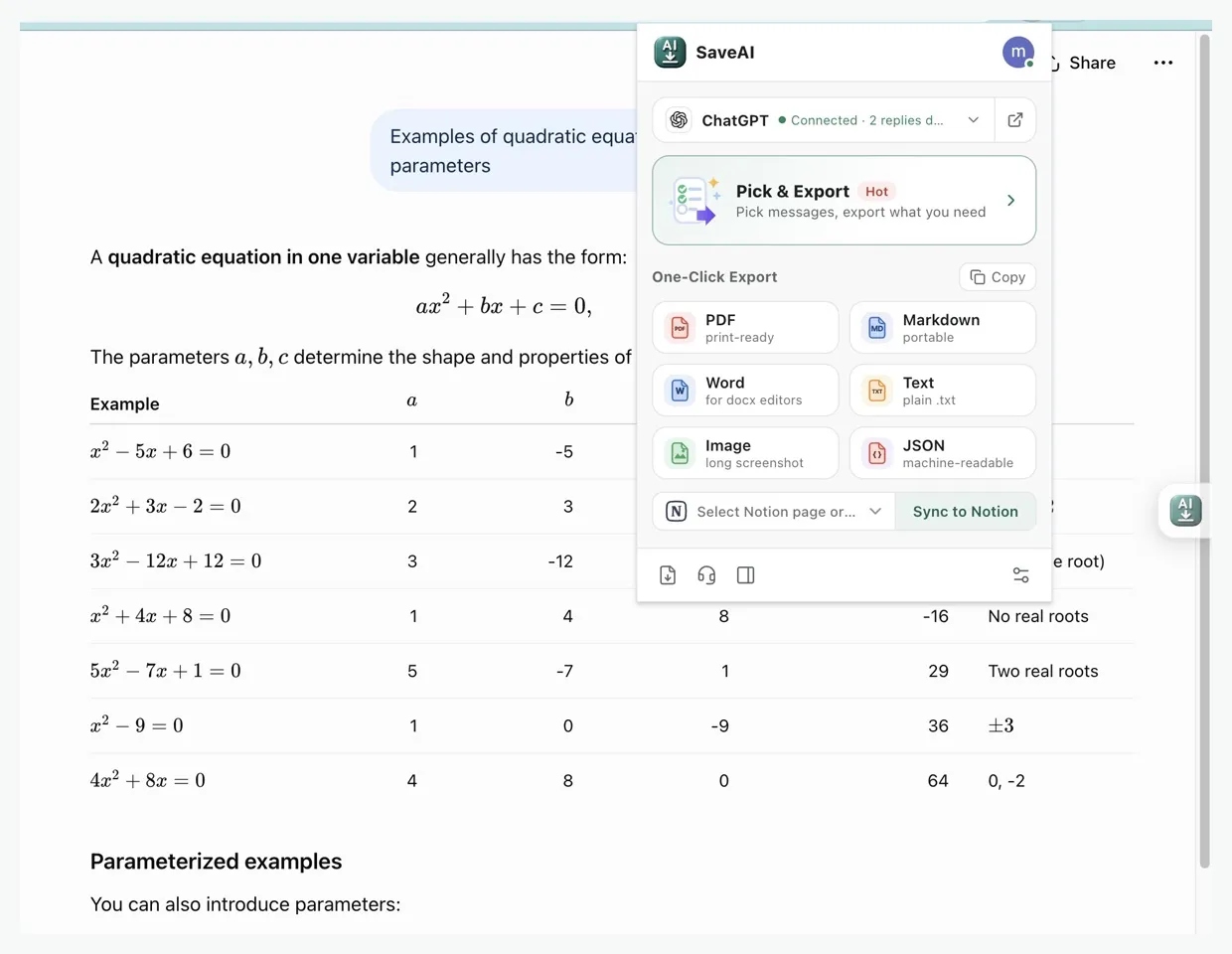
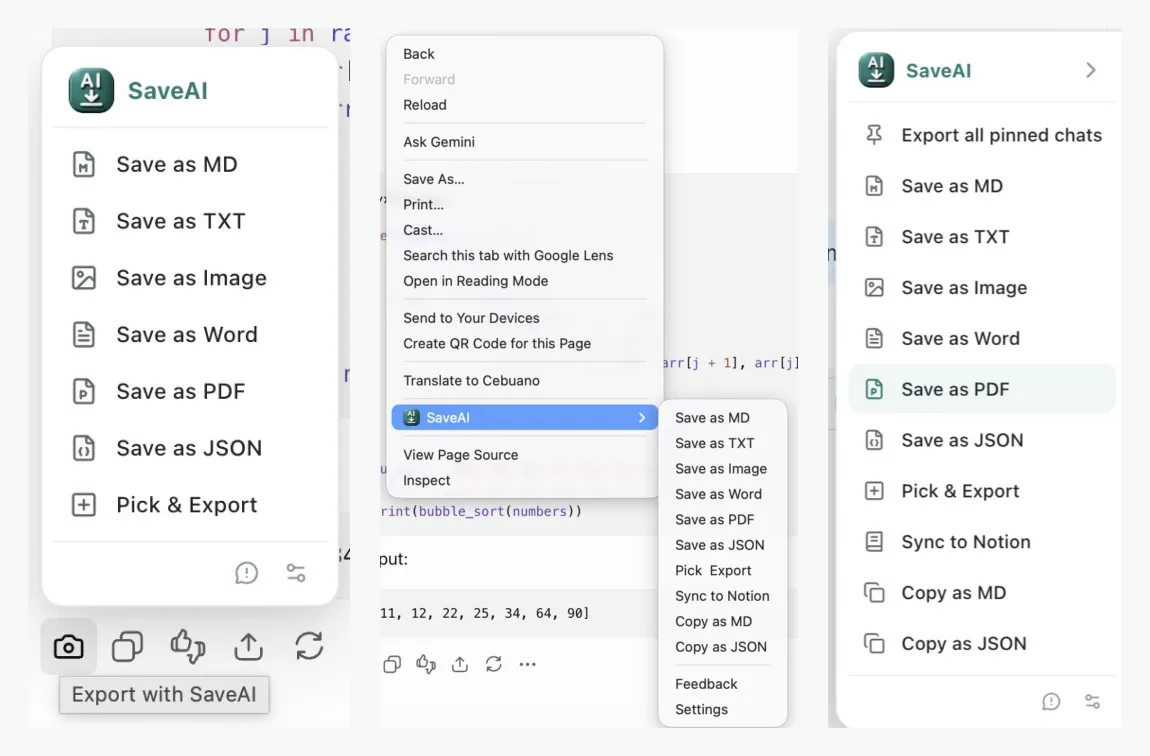
Two ways to get this. The SaveAI browser extension exports the conversation you are looking at — PDF, Word, Markdown, JSON, TXT or one long screenshot — straight from the page, free and unlimited, with the pagination, font and completeness handling above already applied.
If you already have the text as a file, the free online converter does the same rendering in your browser: Markdown to PDF, Word, HTML, TXT, JSON or CSV, no account needed. And if you have downloaded an official data export from your AI provider, the reader for ChatGPT, Claude or Gemini turns that archive into readable documents.
Ready to start exporting?
SaveAI works on 20 AI sites including ChatGPT, Claude, Gemini. Free to start, local-first.
Install for Chrome Free Install for Edge Free Install for Firefox Free